MobCam OBS Studio Plugin v1.0.0 • Open Source on GitHub

Your Android Phone.
Your Professional OBS Camera.

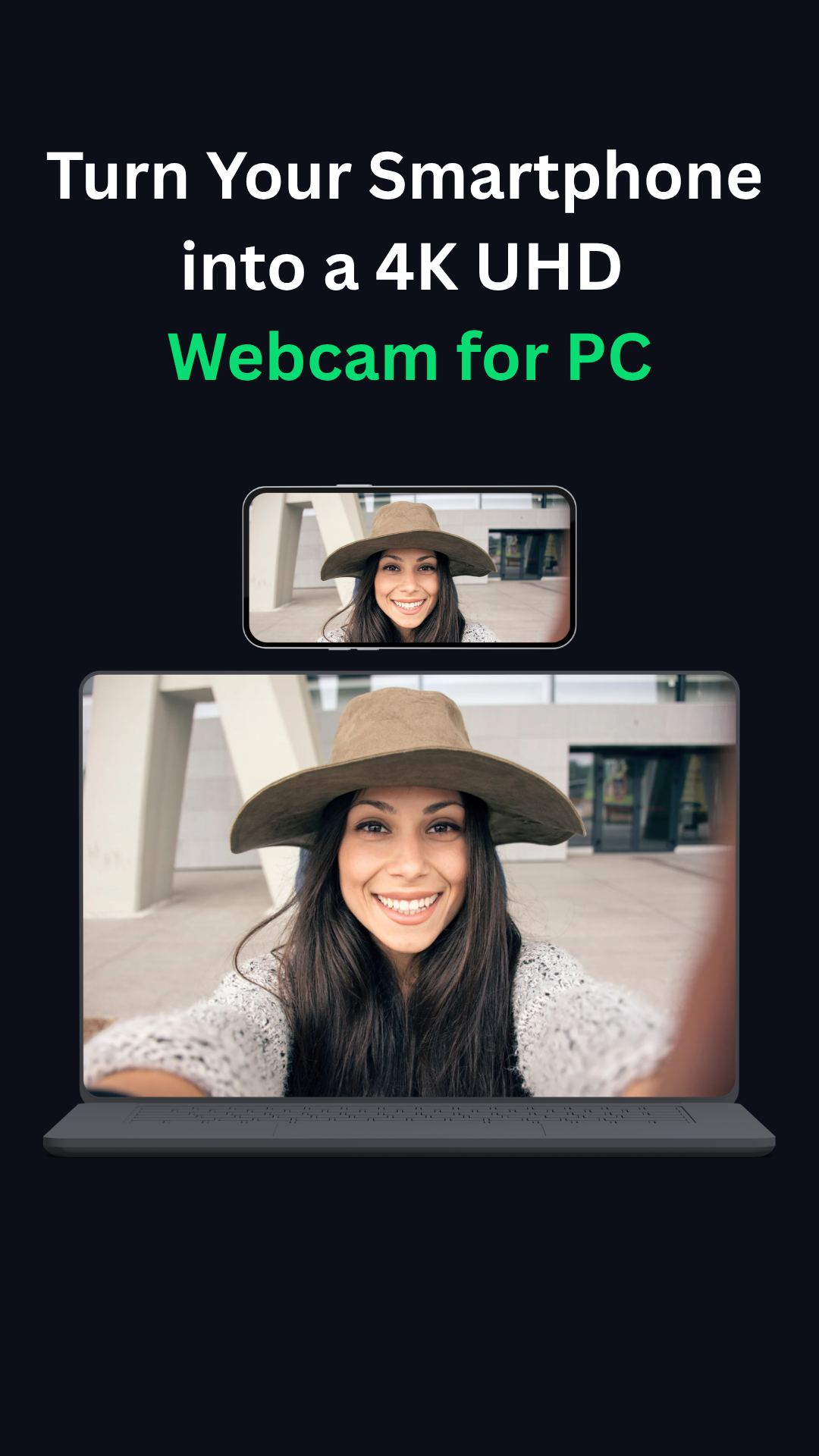
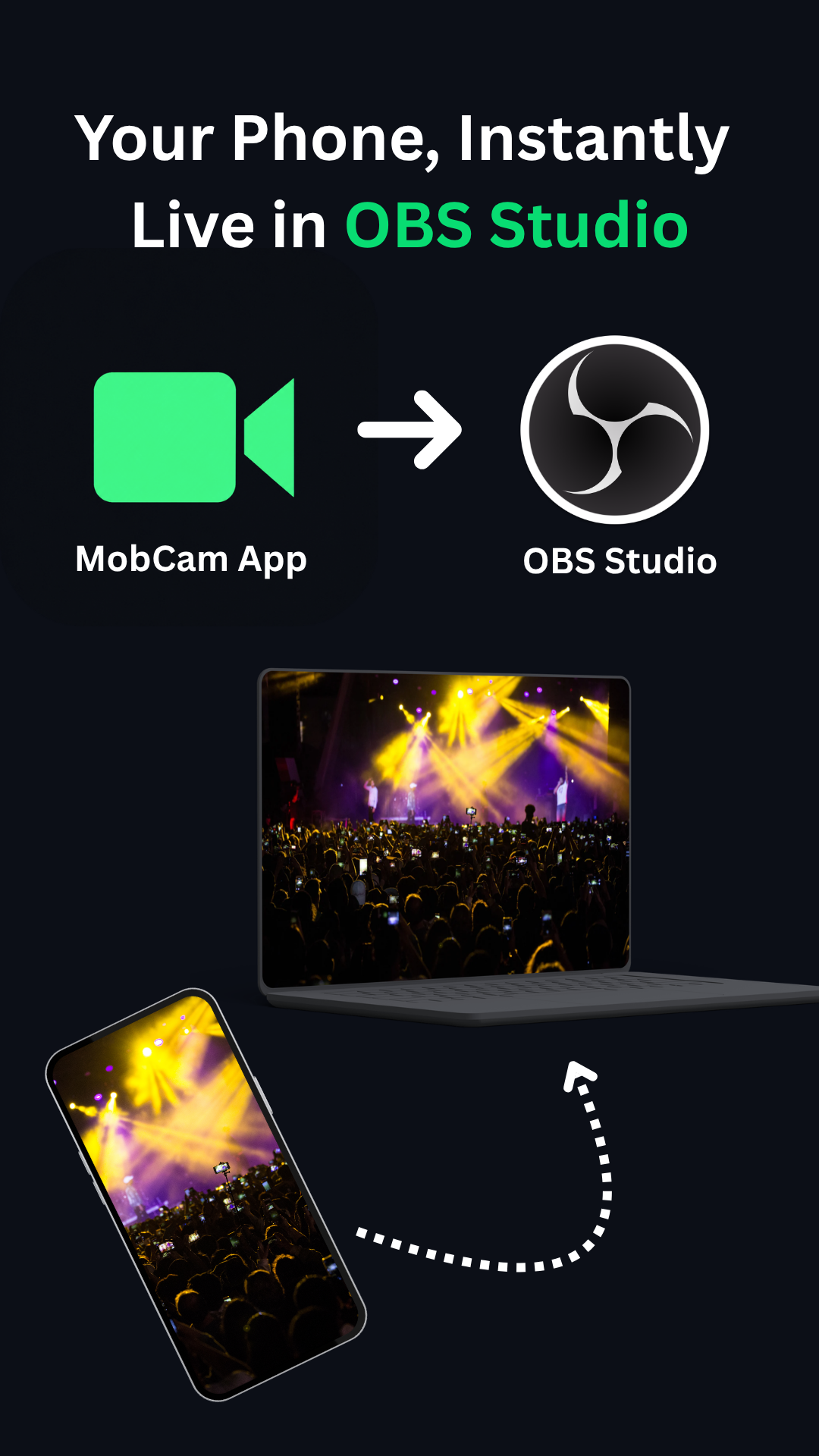
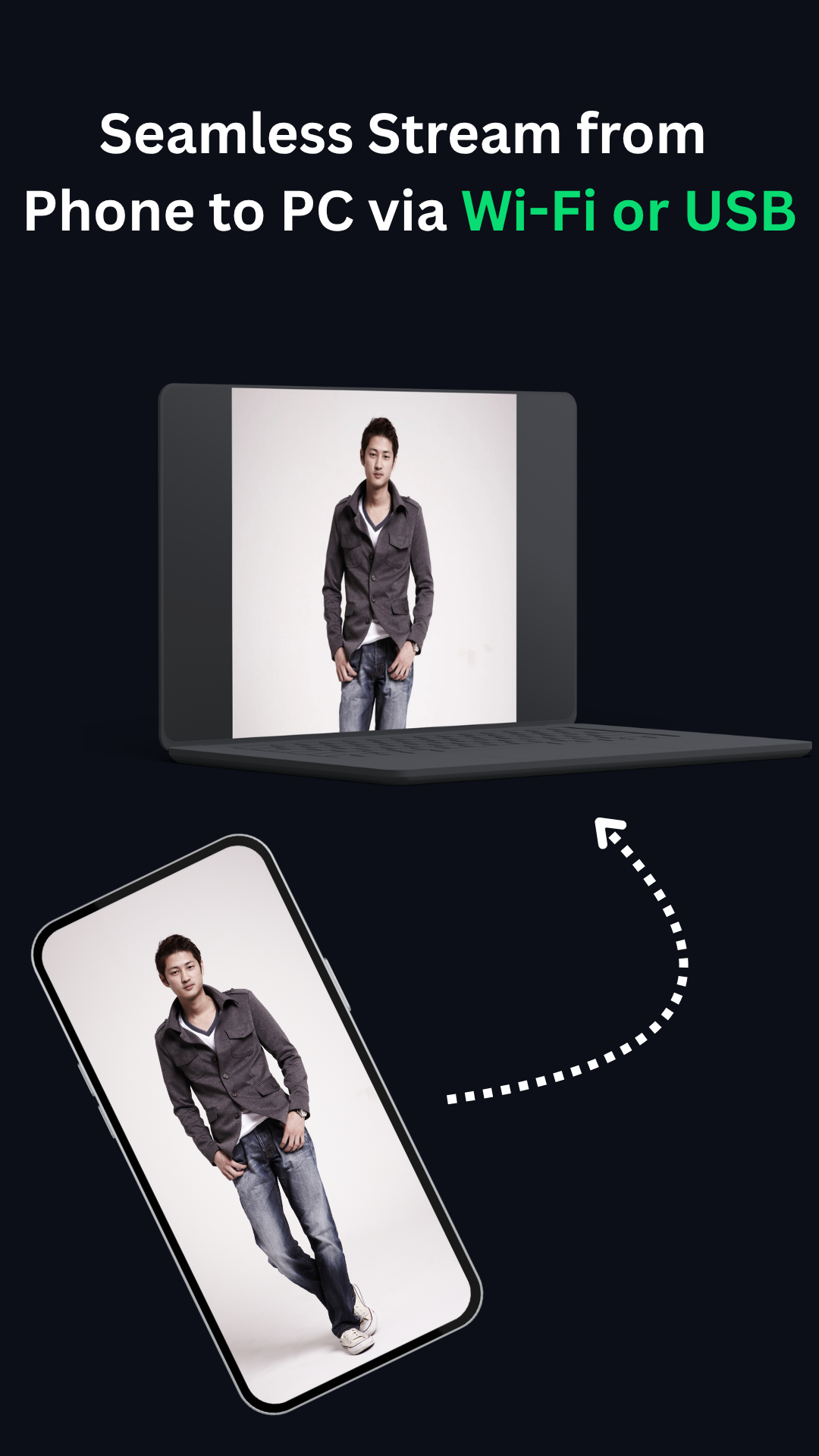
Turn your Android smartphone into a high-quality wireless or USB camera for OBS Studio. Stream video and audio directly into OBS with low latency and professional camera controls.

Up to 4K UHD Up to 60 FPS Wi-Fi and USB connectivity Integrated OBS source Synchronized audio Camera controls inside OBS
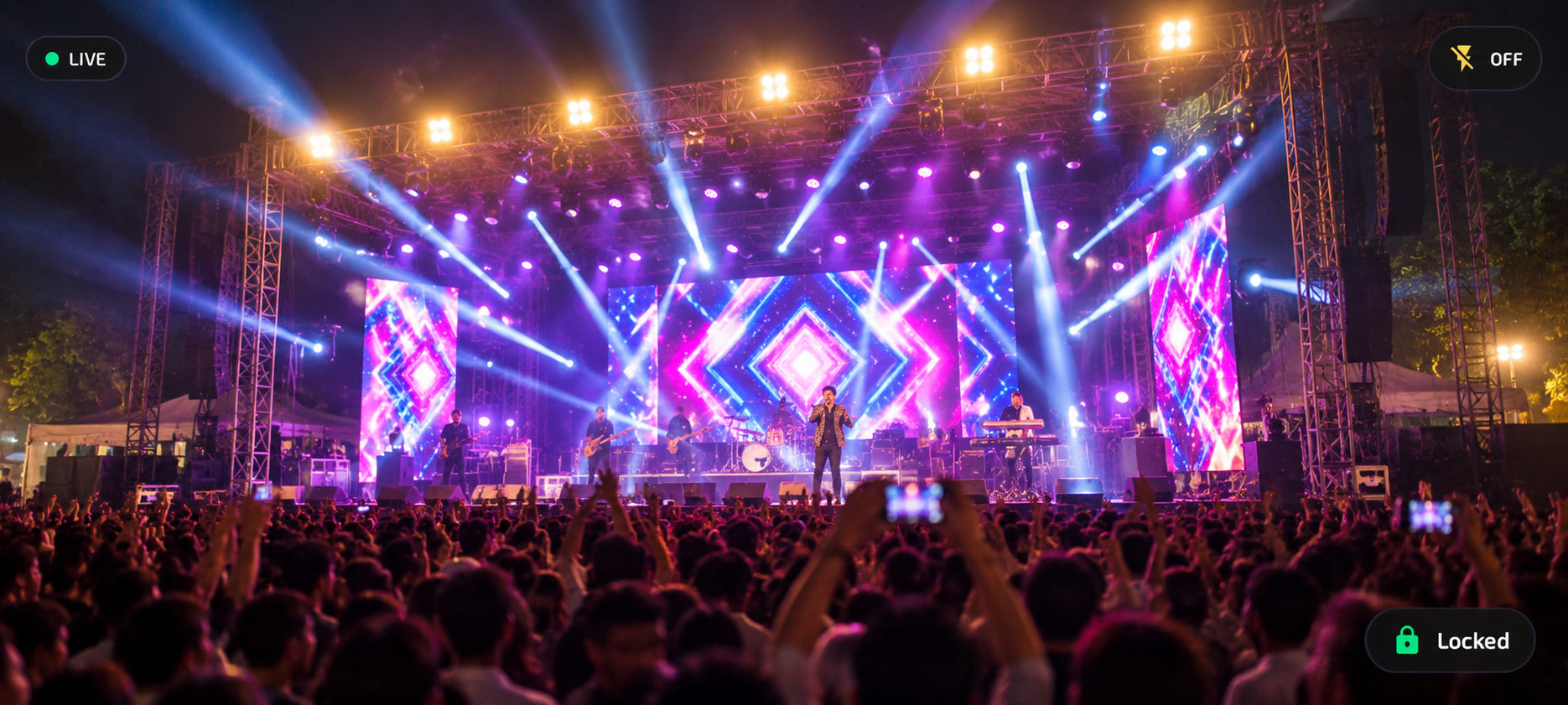
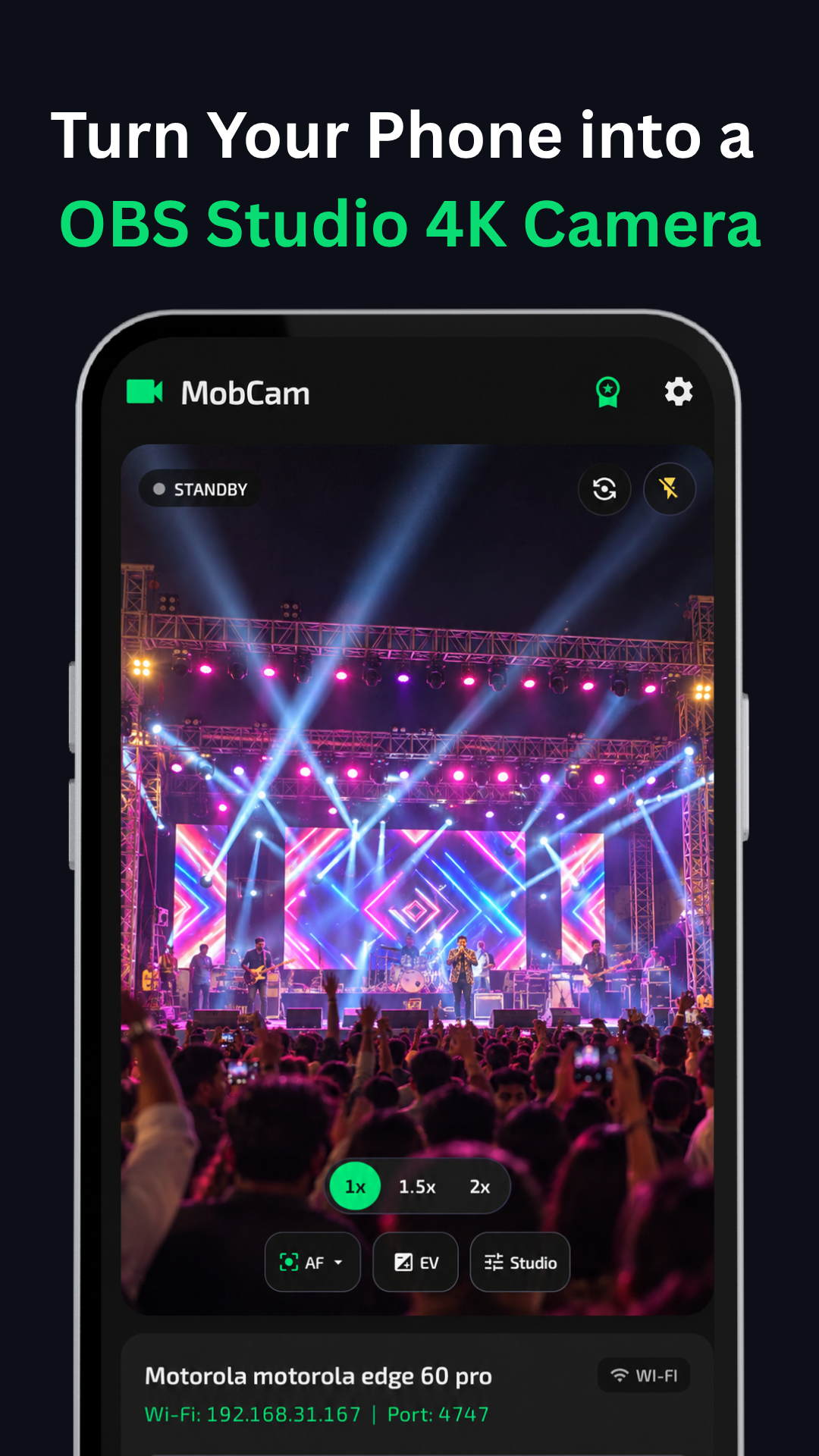
MobCam Android Phone connected to OBS Studio on Windows PC
Engineered for Creators

Professional Camera Features in OBS Studio

Everything you need to turn your mobile device into a dedicated, broadcast-grade video and audio source for OBS Studio.

4K UHD Video Streaming

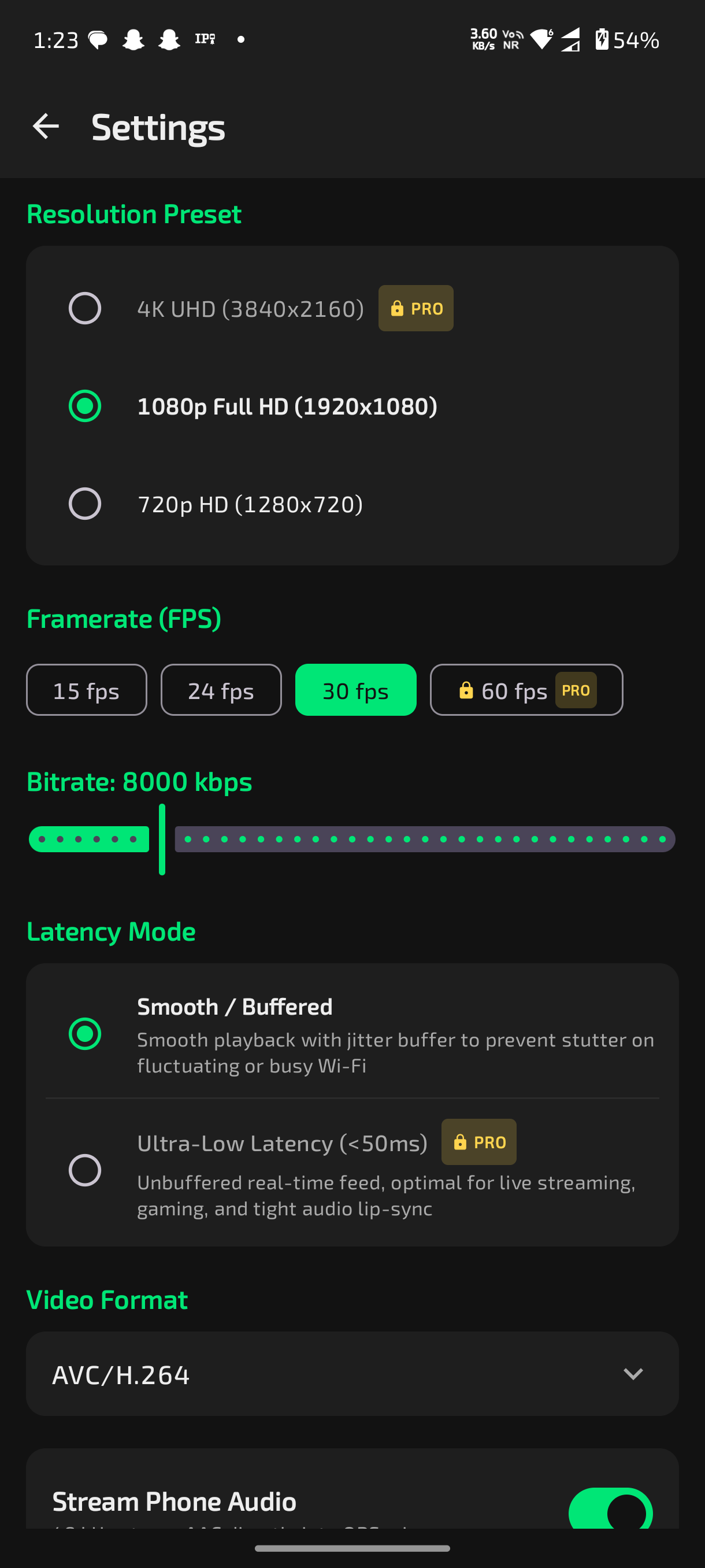
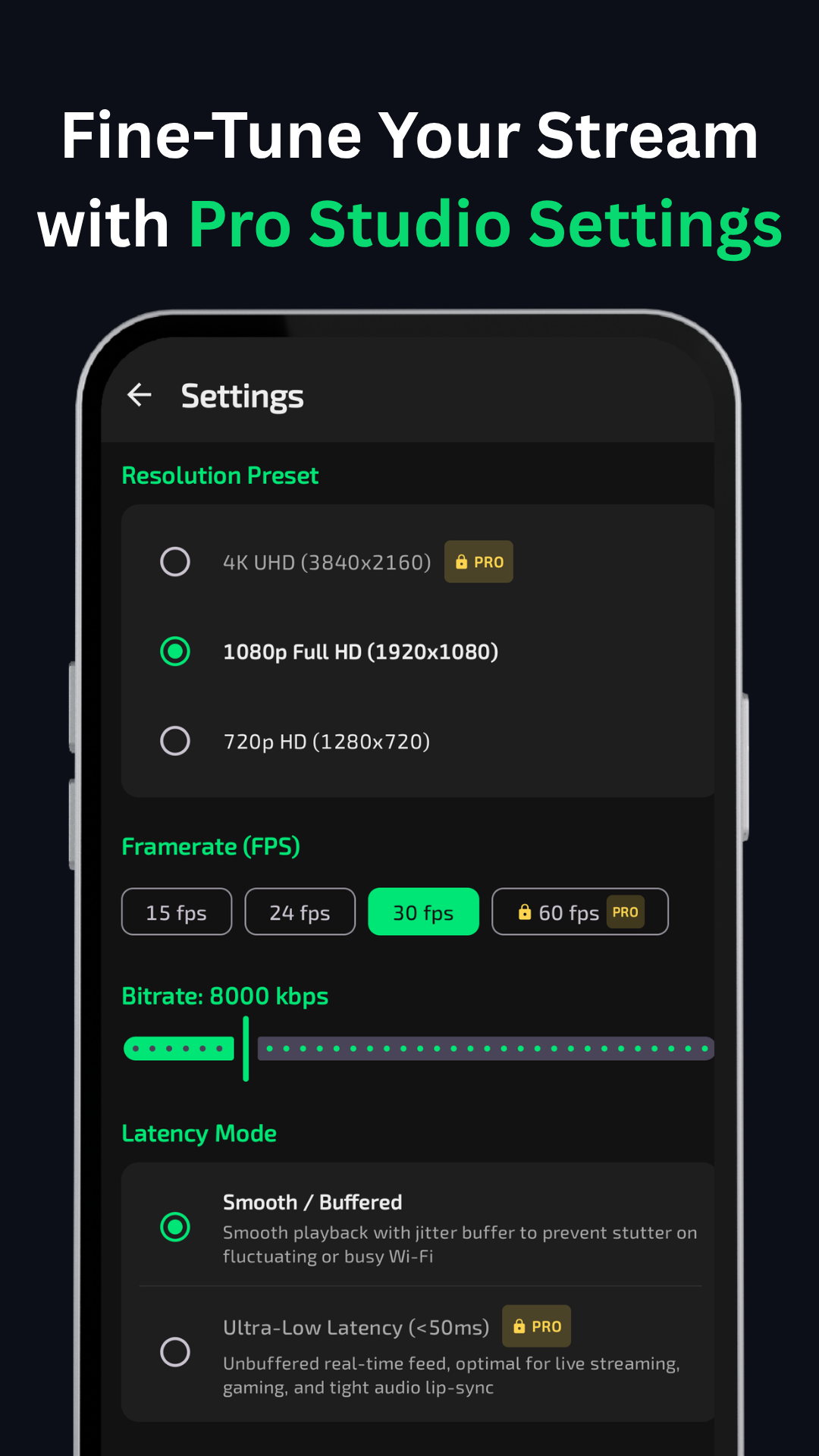
Broadcast crystal-clear 1080p and pristine 4K UHD resolutions directly into your OBS scenes with rich color fidelity and sharp detail.

Up to 60 FPS

Silky-smooth high-framerate video capture engineered for live gameplay streaming, tutorials, product reviews, and esports without jitter.

Ultra-Low Latency

Direct peer-to-peer transmission pipeline optimized for real-time responsiveness over Wi-Fi and USB, eliminating awkward video lag.

Wireless Wi-Fi Streaming

Wire-free broadcast freedom across your local 5 GHz Wi-Fi network with automatic UDP device discovery on port 4750.

USB Tethering

Plug-and-play wired connectivity via standard Android USB tethering for ultra-low latency and rock-solid stability in noisy RF environments.

Integrated OBS Source

Native libobs C plugin module (MobCam Source) appearing directly inside your OBS Studio Sources dropdown list.

Built-in Camera Controls

Embedded in-OBS web dock (Docks > MobCam Controls) to adjust zoom presets (1x, 1.5x, 2x), flash, autofocus, and exposure remotely.

Synchronized Audio

High-fidelity 48 kHz stereo microphone capture with microsecond timestamp synchronization feeding directly into the OBS Audio Mixer.

Hardware-Accelerated Encoding

Leverages Android MediaCodec hardware encoders (H.264 / HEVC) paired with native FFmpeg decoding in OBS for optimal CPU performance.

Quick Setup

Get Streaming in Three Simple Steps

Connect your Android phone to OBS Studio over Wi-Fi or wired USB in under two minutes.

01
Android

Install MobCam on Android

Download and launch MobCam from the Google Play Store on your Android smartphone (Android 8.0 or newer).

Get on Google Play
02
Windows

Install the OBS Plugin

Download and run the Windows 64-bit installer setup wizard with OBS Studio closed. The plugin automatically registers inside OBS.

Download Installer
03
OBS Studio

Connect & Add MobCam Source

In OBS Studio, click + under Sources → MobCam Source. Auto-discovery detects your phone over 5 GHz Wi-Fi or USB tethering—just click OK and start streaming!

View Setup Guide
Product Tour

Built for Modern Streaming Workflows

Real screenshots showcasing the MobCam Android interface and native OBS Studio integration.

Official Release

Download MobCam OBS Studio Plugin

Free, native Windows 64-bit installer for OBS Studio 28.0 - 31.0+.

MobCam Logo

MobCam OBS Studio Plugin

v1.0.0 September 25, 2026

Native x64 C plugin with Inno Setup installer. Automatically verifies OBS Studio prerequisites and installs the native source module and embedded quick controls dock.

Windows 10 / 11 (64-bit)
Architecture: x64
OBS 28.0 - 31.0+
GPL-2.0-or-later
SHA-256: A33CD424E25D638B5BA3920264BE76C270F2B61FD7E0014817AEA5D5F84BFEEB
Getting Started

Plugin Installation Guide

Follow these simple steps to install and configure the MobCam plugin on your PC.

  1. Download the Windows installer: Get MobCam-OBS-Plugin-v1.0.0-Setup.exe from above.
  2. Close OBS Studio: Make sure OBS Studio is completely closed before running setup.
  3. Run the MobCam installer: Complete the installation wizard to place the plugin in your OBS plugins directory.
  4. Open OBS Studio: Launch OBS Studio on Windows.
  5. Add MobCam Source: In the Sources dock, click + and select MobCam Source.
  6. Connect your Android device: Start streaming in the app, select your phone in OBS Source properties (or leave on Auto-Detect), and click OK to begin streaming!
Open Source OBS Studio Plugin

Built for OBS. Open for Everyone.

MobCam's native OBS Studio plugin is independently maintained by YBR Digital under the GPL-2.0-or-later license. Developers are free to explore the C source code, build with CMake, and report issues on GitHub.

* Note: The MobCam Android mobile application is distributed separately through the Google Play Store and is not included in the plugin source repository.

Got Questions?

Frequently Asked Questions

Everything you need to know about MobCam, the OBS Studio plugin, and supported features.

MobCam is a high-performance streaming camera solution that turns your Android smartphone into a studio-grade camera source for OBS Studio. It captures hardware-accelerated video (up to 4K 60 FPS) and synchronized audio, transmitting them directly over 5 GHz Wi-Fi or wired USB to a native OBS Studio plugin on Windows.

Yes! The MobCam OBS Studio Windows plugin is 100% free and open-source under the GPL-2.0-or-later license. The MobCam Android application offers a free version on Google Play with optional premium upgrades for creators seeking maximum control and resolution presets.

The MobCam plugin supports OBS Studio 28.0 through 31.0+ (64-bit native) on Windows 10 and Windows 11. 32-bit OBS is not supported.

Yes! MobCam supports wired USB connections via standard Android USB Tethering. Simply enable USB tethering in your phone settings, and MobCam auto-detects the wired high-speed connection for minimum latency and zero packet loss.

Yes! MobCam connects over local Wi-Fi networks. We strongly recommend a 5 GHz Wi-Fi connection for stable 1080p and 4K 60 FPS streaming. The plugin includes automatic UDP broadcast discovery on port 4750 to detect your phone automatically.

Simply download MobCam-OBS-Plugin-v1.0.0-Setup.exe, close OBS Studio, and run the installer. Once complete, open OBS Studio and find MobCam Source under the Sources list.

The complete C source code for the MobCam OBS Studio plugin is hosted on GitHub at https://github.com/ybrdigital/mobcam.

No. The MobCam Android mobile application is a proprietary product developed by YBR Digital and distributed through the Google Play Store. MobCam operates entirely peer-to-peer over your local network or USB link without any cloud backend servers. This public open-source repository contains the native OBS Studio plugin and its official documentation.