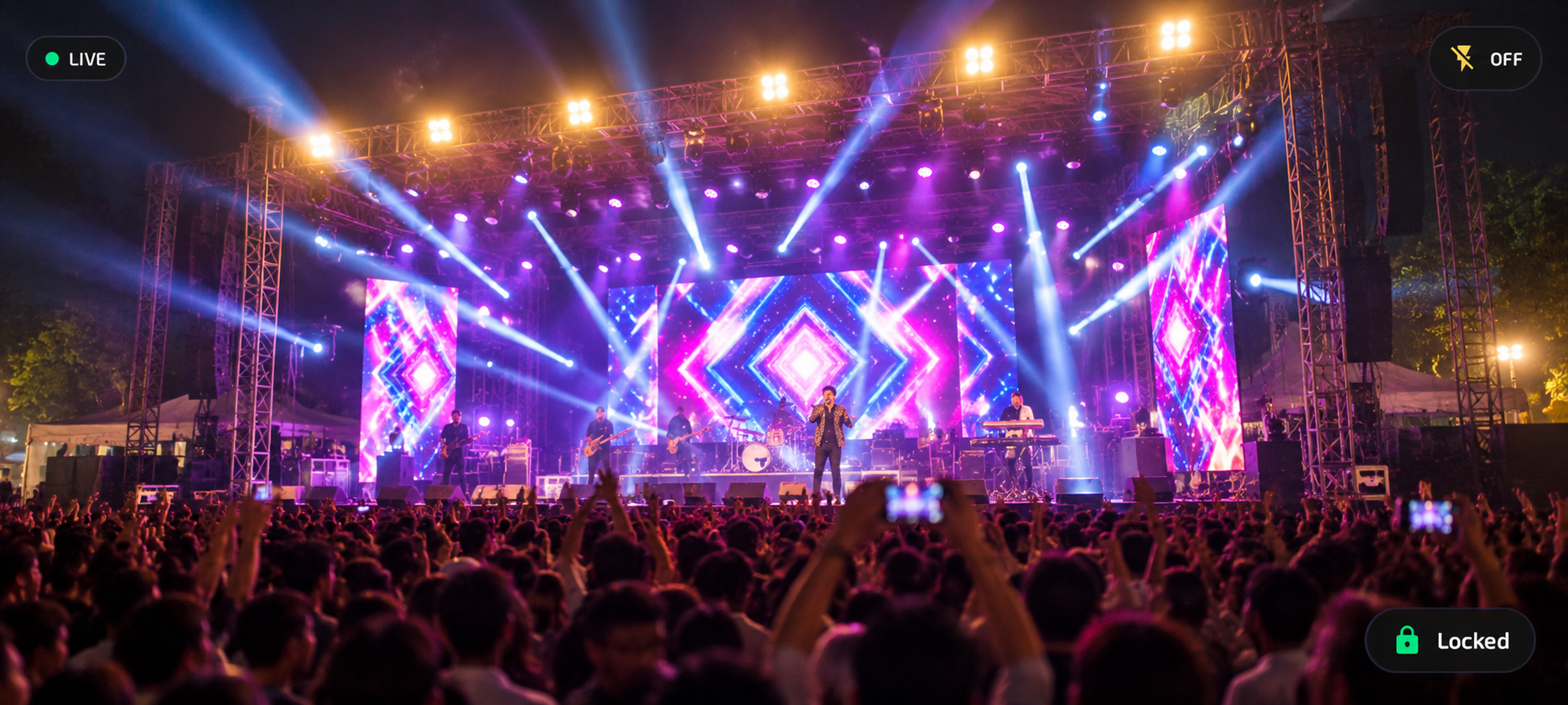
Turn your Android smartphone into a high-quality wireless or USB camera for Zoom, Teams, Meet, Discord, and OBS Studio with ultra-low latency and crystal-clear video.
Everything you need to turn your mobile device into a dedicated, broadcast-grade video camera source compatible with OBS Studio, Zoom, Teams, Google Meet, Discord, and more.
Broadcast crystal-clear 1080p and pristine 4K UHD resolutions directly into your video meetings and streaming scenes with rich color fidelity and sharp detail.
Silky-smooth high-framerate video capture engineered for live gameplay streaming, tutorials, product reviews, and esports without jitter.
Direct peer-to-peer transmission pipeline optimized for real-time responsiveness over Wi-Fi and USB, eliminating awkward video lag.
Wire-free broadcast freedom across your local 5 GHz Wi-Fi network with automatic UDP device discovery on port 7113.
Plug-and-play wired connectivity via standard Android USB tethering for ultra-low latency and rock-solid stability in noisy RF environments.
System-wide virtual camera (Camzyu) recognized natively in OBS Studio, Zoom, Microsoft Teams, Google Meet, Discord, Skype, and browsers.
Convenient PC desktop controls to adjust zoom presets (1x, 1.5x, 2x), flash / torch, autofocus modes, and exposure compensation remotely with 1 click.
Zero cloud servers and zero data logging. All live video streams are transmitted directly over your local Wi-Fi subnet or direct USB tethering cable.
Leverages Android MediaCodec hardware encoders (H.264 / HEVC) paired with native FFmpeg decoding on Windows for optimal CPU performance.
Connect your Android phone to your PC over Wi-Fi or wired USB in under two minutes.
Download and launch Camzyu from the Google Play Store on your Android smartphone (Android 8.0 or newer).
Get on Google PlayDownload and run the free Windows installer setup wizard. The software automatically installs and registers the DirectShow virtual camera driver on your PC.
Download InstallerOpen your favorite tool—OBS Studio, Zoom, Microsoft Teams, Google Meet, Discord, or Skype. Choose Camzyu as your video camera to start streaming!
View Setup GuideFree, high-performance PC installer. Compatible with OBS Studio, Zoom, Microsoft Teams, Google Meet, Discord, Skype, and all DirectShow video apps.
Native installer for your PC. Installs the DirectShow virtual camera (Camzyu) driver with system companion controls.
Follow these simple steps to install Camzyu and use it across your favorite video tools.
Camzyu-Windows-v1.0.0-Setup.exe from above.Camzyu PC Plugin is high-performance freeware provided by YBR Digital. Download the PC installer, connect your phone over Wi-Fi or USB tethering, and enjoy pristine video in Zoom, Google Meet, Teams, Discord, and OBS Studio.
* Note: The Camzyu Android mobile application is distributed separately through the Google Play Store.
Everything you need to know about Camzyu, supported video tools, and features.
Camzyu-Windows-v1.0.0-Setup.exe and run the installer. Once setup is complete, Camzyu is immediately available in the camera dropdown of all your desktop video tools.